
Will this accessory fit? AI needs explicit product links
The same brand does not prove compatibility. Give your AI chat explicit product relationships and keep optional accessories separate from box contents.
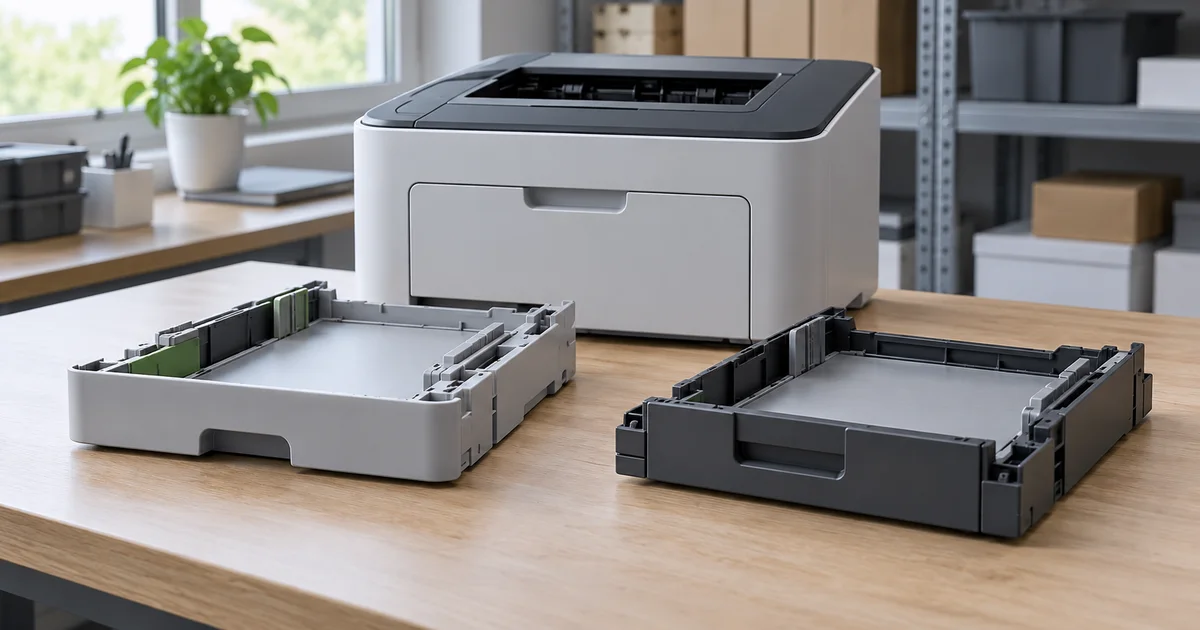
“Will this tray fit my printer?” The customer is not asking for a similar product. They need to know whether a particular accessory works with a particular device. The same brand, a similar name or a photograph provides a weak basis for that decision.
When preparing an AI chat for your online store, check the relationships between catalogue items too. A longer description will not fix a missing link. A colleague who understands the products should be able to show where the compatibility confirmation comes from.
Separate compatibility, box contents and a combined offer
An optional tray may suit a printer without being included in its box. The store may sell it separately or together with the printer in its own bundle. Each possibility changes the answer to what the customer is buying.
Schema.org provides a specific property linking an accessory or spare part to a product. Google Merchant Center uses is_bundle for retailer-created bundles containing a main product and other items sold together for one price.
These examples describe different relationships, not a universal import procedure. Adding a field to website HTML does not by itself confirm that your assistant will read it. Check the mapping and processed result for the particular feed.
Record the relationship so it can be verified
Choose one product group where customers ask about accessories. Prepare the following information for each relationship:
- The exact base-product model, including its variant or revision when this affects accessory suitability.
- An unambiguous accessory identifier and its own product page. A general category cannot confirm a particular model.
- Evidence for the relationship, such as manufacturer information or an approved catalogue source, with a review date and a responsible colleague.
- Separate information about box contents and any sales bundle. A missing value does not mean the accessory is included.
Do not automatically turn an empty compatibility field into “incompatible”. It may mean nobody has checked the relationship yet. Keep explicitly confirmed incompatibility as a different state. Likewise, separate accessory suitability from stock availability.
A hypothetical example: similar names are not enough
The following model names are invented to explain the process. Imagine printers A-200 and A-200W and an optional B-10 tray. The catalogue source confirms B-10 only for A-200. There is no verified information for A-200W.
For a question about A-200, the assistant can use the confirmed link and show B-10 as an optional accessory. It should not extend that confirmation to A-200W merely because part of the name matches. A suitable answer explains that the available information does not confirm compatibility and offers a contact for verification.
If the customer says only “I have model 200”, ask for the full designation. Confirming suitability without it is premature. Even a correctly selected accessory must not become part of the base product's box contents in the answer.
Check the import and the conversation
For ecommerce recommendations, Informio matches accessories using explicit relationships on the base product. When preparing a feed, check which fields were actually loaded, whether they point to the right items and whether the source was processed successfully. The mere existence of a product file is not enough.
Before launch, use questions with expected results defined in advance by the person responsible for the catalogue:
- A question about a confirmed pair should return the correct accessory, not a similar item.
- A question about an unverified variant must not receive unsupported confirmation or a claim of incompatibility.
- A question about box contents must not reuse the list of optional accessories.
- When the base model changes in the same conversation, recommendations must be reassessed for the new model.
Save the source and answer for each test. If something goes wrong, you can distinguish incorrect catalogue data, faulty mapping and an incorrect answer based on correct information.
Start with a group you can inspect
When a model, package or supplier document changes, have the responsible colleague review the related links too. Apply the correction to the assistant's source and repeat the tests after successful processing. An old confirmation should not carry over to a new variant without review.
To check whether your catalogue is ready, arrange an Informio consultation around one product group. Bring a sample feed and questions about compatibility or box contents. You can try the AI chat separately, then use your own data to identify which relationships need completing.