
The right form first time: how AI chat should help
Does a visitor need a one-off hall hire application or a form for regular use? An AI chat can point them to the right document when its sources explain the purpose, current version and submission route.
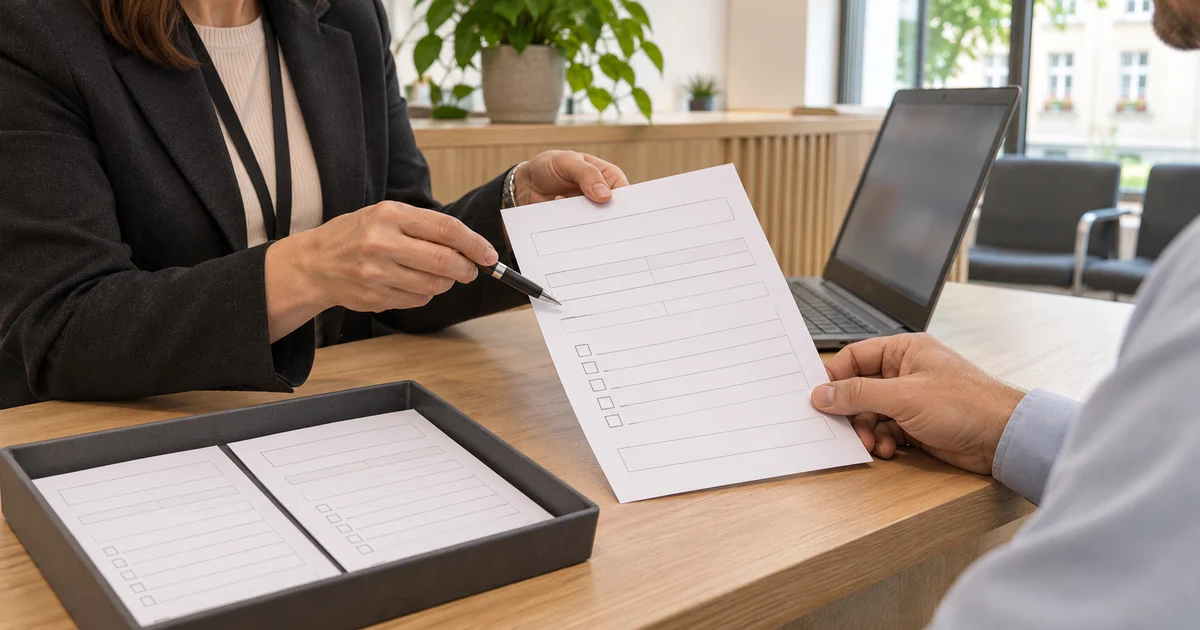
“I want to hire the village hall for a party. What do I fill in?” The website has two similarly named applications and another from last year in the archive. If the assistant sends a link to the document list, the visitor still has to work out which one to use.
With forms, follow the journey from the question to opening the correct file. The purpose of the application, its current version and submission instructions all matter. The hall hire example below is illustrative and shows the information a council or business should prepare.
Start with what the visitor wants to do
A member of staff knows that a family party needs a one-off hire application, while a club meeting every Tuesday needs the regular-use form. Write that connection into the service page. Visitors may talk about a party or a training session even when those words are absent from the form's title.
For each form, prepare a short record containing:
- Purpose and scope. What it is used for and which location or service it covers.
- Who uses it. For example, an individual, a company or an association, where the process distinguishes between them.
- Version and validity. A number or date explicitly confirmed by the document owner.
- The file and next step. Its public link, format and published submission route.
- A responsible contact. The person or team who can resolve ambiguity or correct outdated information.
In a business, the same record can distinguish an equipment service intake form from an equipment loan application. The information should identify the task the customer wants to complete.
Explain the service on the page beside the form
Explain when to use the form, what to attach and where to send it. If you also upload the file to the knowledge base, include the current public URL intended for visitors. The public page gives context to a file with an unclear name.
Publish the service guidance in HTML too. The UK guidance on publishing accessible documents recommends HTML. GOV.UK publishing guidance.
Give links descriptive names, such as “One-off hall hire application – PDF”. Link text should help people identify its purpose. W3C technique G91.
When a new version appears, update the link and instructions in the assistant's sources. Clearly mark archived files. If an older file remains online, its description should state the period it applied to. Then check that the updated knowledge source has finished processing.
What a reply about a party could look like
Suppose the council has confirmed version 2, valid from 1 November 2026, and publishes submission instructions on the service page. The reply could say:
For a one-off party, use “One-off hall hire application”, PDF, version 2 valid from 1 November 2026. Once completed, submit it using the instructions on the hall hire page.
In the actual chat, the title should link straight to the verified file and the submission instruction to the relevant page. For “We want the hall for our club”, a follow-up can establish whether it is a single event or a regular meeting. A visitor who already specifies one Saturday has provided that detail.
Test a question about an older version too
- “I only need the hall for one Saturday.” The answer should lead to one-off hire and its form.
- “We will meet every Tuesday.” The assistant should select regular use and the corresponding instructions.
- “I have last year's form. Is it still valid?” The reply should identify the version confirmed by the document owner. If the sources do not state whether older forms are accepted, the responsible team needs to confirm that.
- “Where do I send the completed application?” Check the exact destination and submission route against the service page.
Ask the first two questions in the same conversation as well. When the request changes from a one-off event to regular meetings, the recommended form should change. Record the link the assistant sends and compare it with the source.
Finish the test by opening the document
Open the reply's link on a phone too. Compare the title and version inside the file with the service page and check that the submission instructions work. A file can open successfully and still be an old edition. Repeat the check whenever a document is replaced.
In Informio, start with one service, its public page and its current form. Connect the sources, ask the four questions and follow the links to the document. That lets you check whether visitors can reach what they need to fill in.